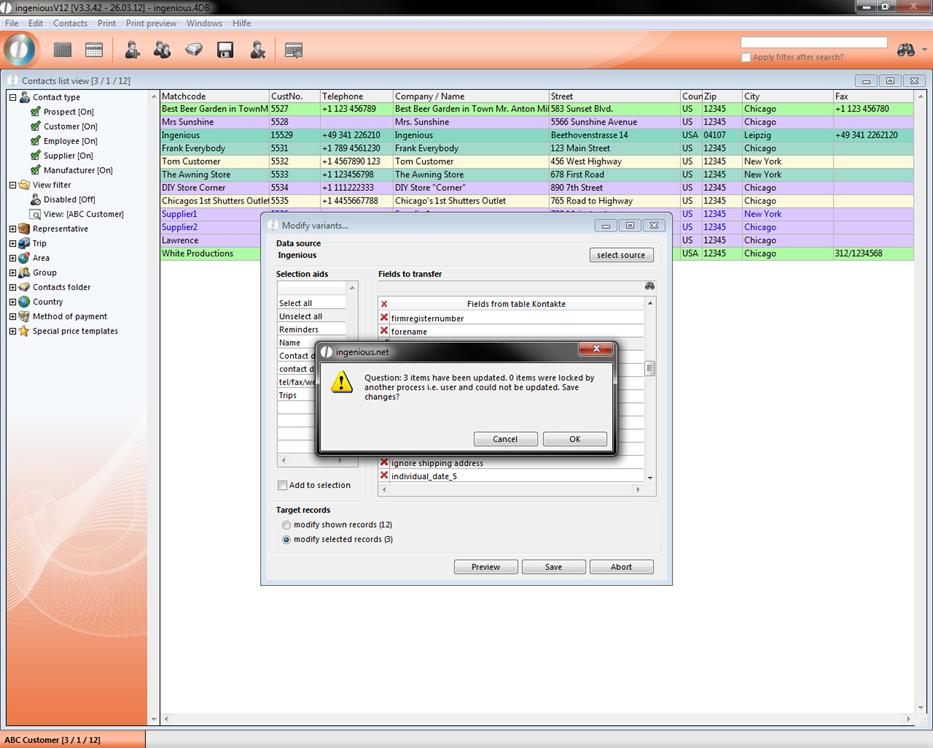
You can also transfer other parameters from one contact to another, like group, cash discount, payment term with discount, etc. The following example will show how the group membership of ingenious can be transferred to other contacts.
Go to the detail view of a contact. In “Financial data / Classification” change the group of the contact.
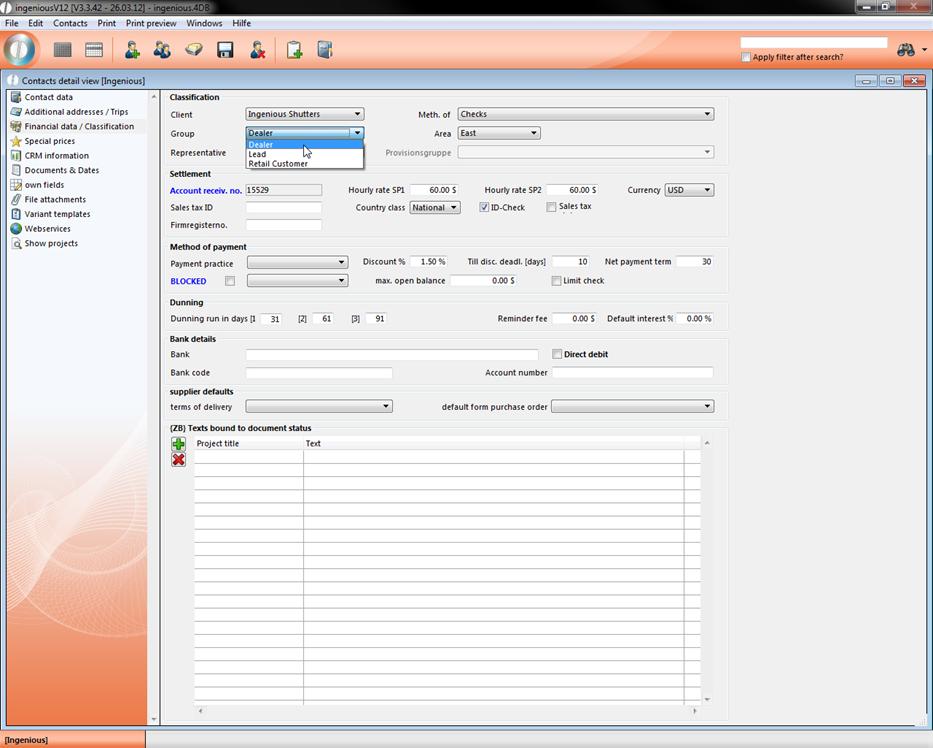
Here we choose “Dealer”.
Save the changes with a click on the  and leave the detail view.
Back in the list view select the target contacts which will get the attributes from your source contact. If you want to select more than one contact use the hold down the ctrl-key.
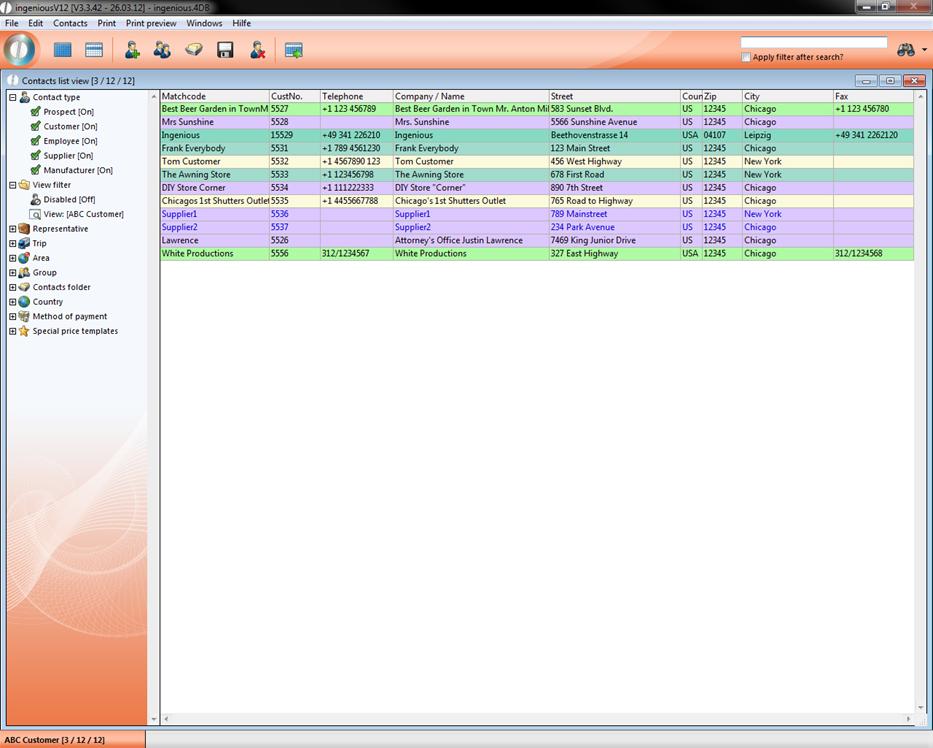
Select “Contacts – Edit variants”
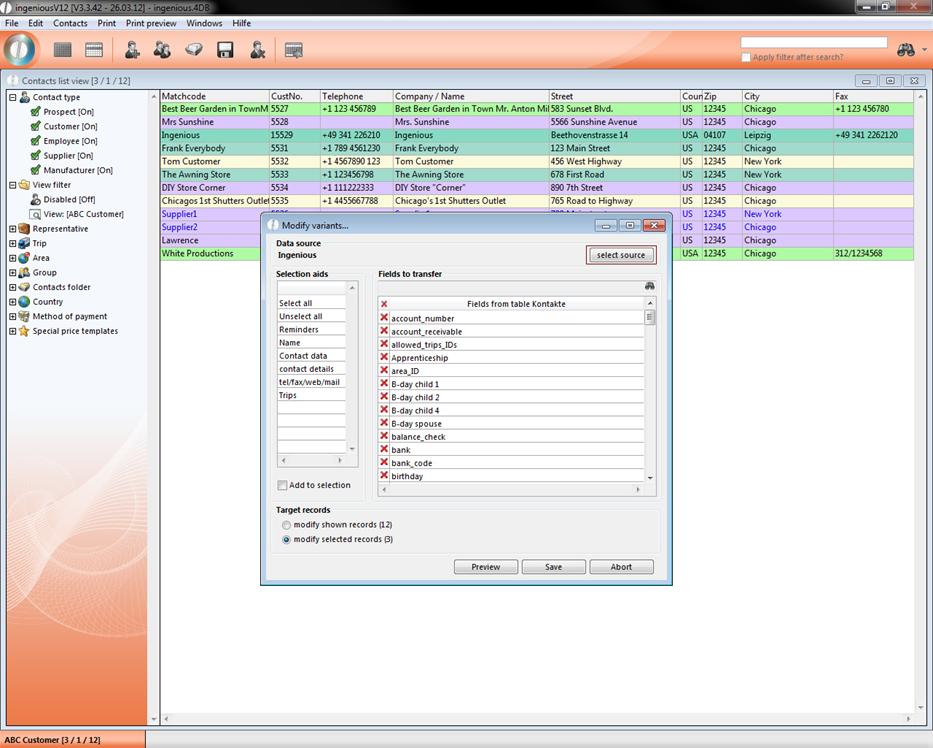
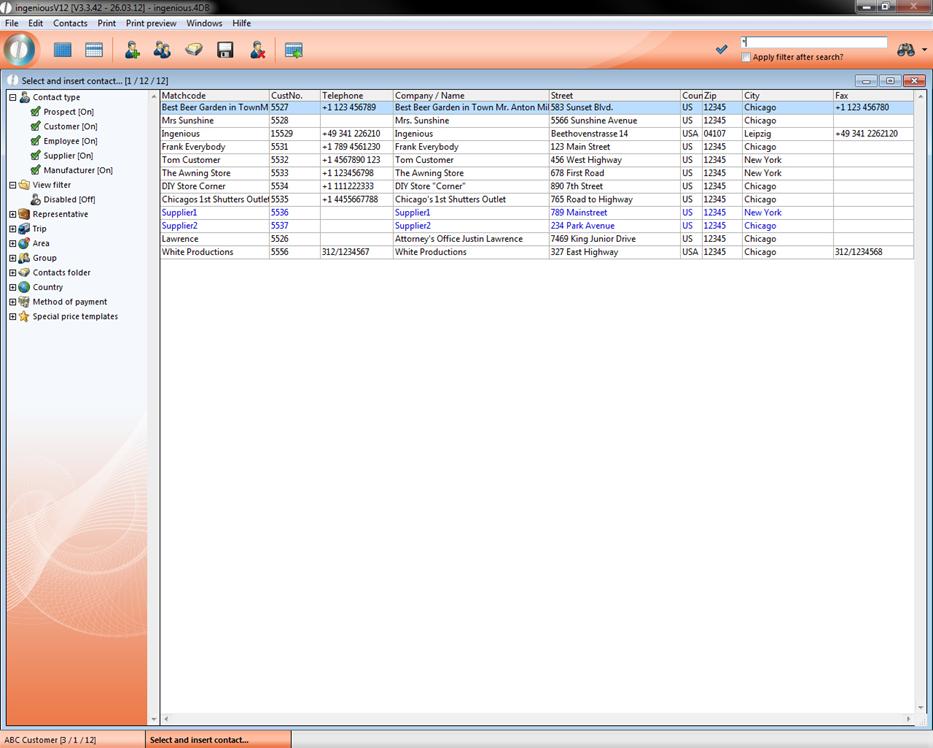
Click on “select source” to open another list view of the contact module where you select your source contact with a double click.
Back in the Edit variants window you can now select one of the pre defined selection aids in the left list or just create your own selection by double clicking the specific rows in the fields to transfer list.
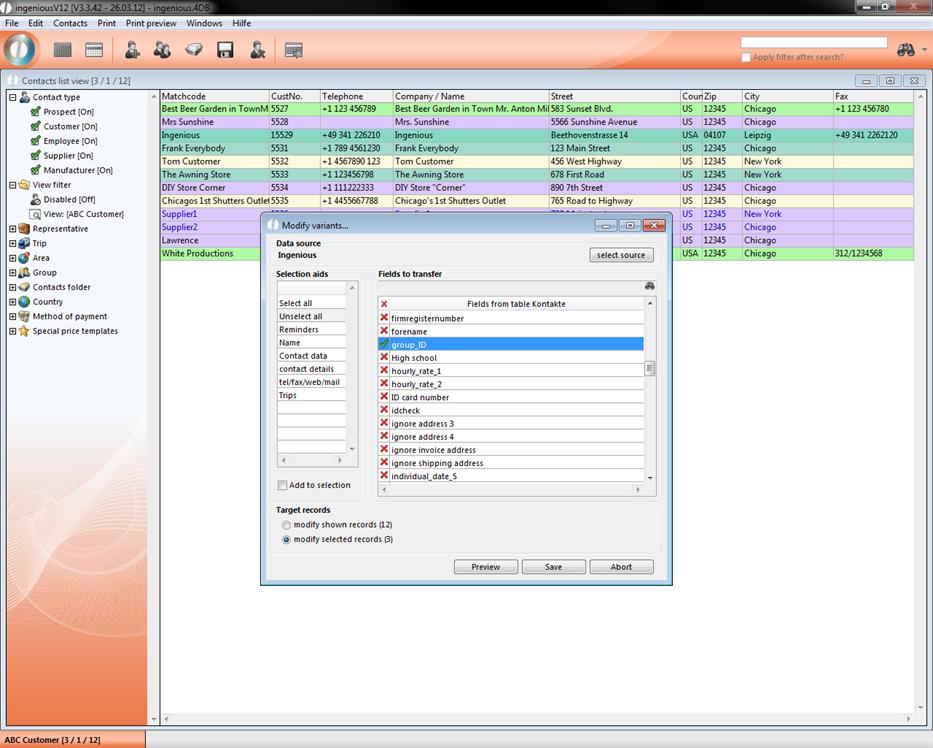
In the area “target records” you can choose whether the attribute should be transferred to all contact records or only to the selected ones.
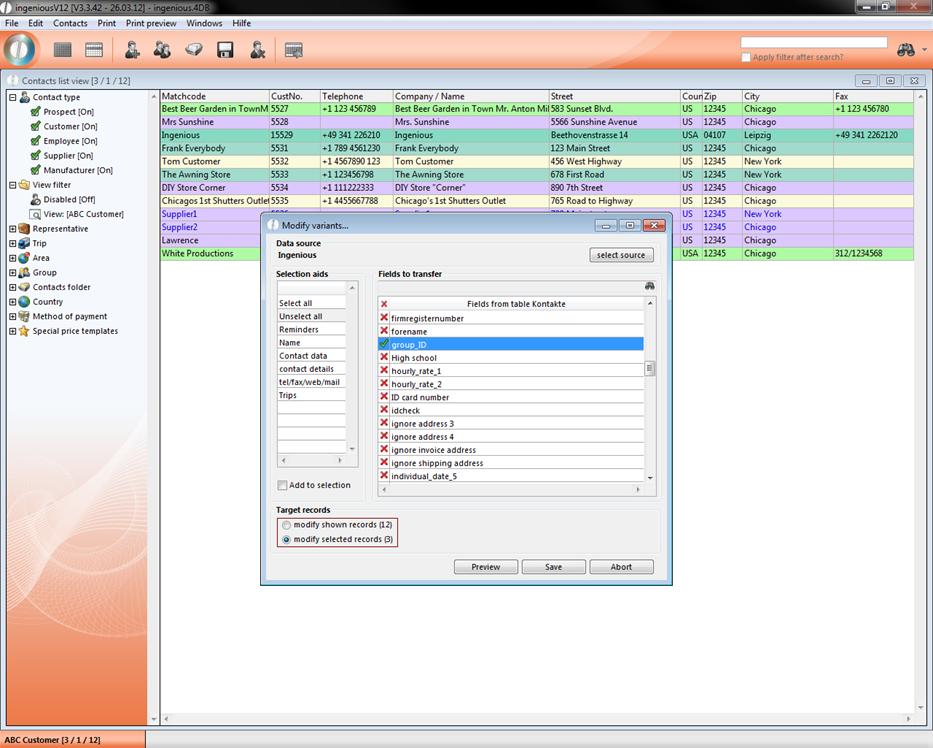
Now click save and a summary will open up where you have the last chance to accept or discard the changes.